


Liberty Business helps you get ready for the hurricane season
Recommendations to prepare your business for an emergency
Recommendations from Liberty Business
Your business should have an emergency plan in place for hurricane season. When putting together your plan, use mobile and landline communication services as a valuable information tool —it will help you get organized to protect your business and employees. Liberty Business shares some useful tips below to help you prepare.


Create a safety plan for your employees
This plan needs to cover what employees should do in case of evacuation and when they should shelter-in-place inside the business, among other considerations. Practice these plans and establish a meeting place for all your employees.
Put together a crisis management team
Coordinate efforts with neighboring businesses and the building administrators. Disasters that affect your providers will also affect your business. Create a continuity plan for your supplies.


Keep your emergency contacts on hand
You should keep a record of the numbers for the Police Department, Fire Department, hospitals, employees and their emergency contacts, for example.
Use a call forwarding service
From Mi Liberty, you can forward all calls made to your business phone number to a mobile phone, for example.
Store your data in the cloud
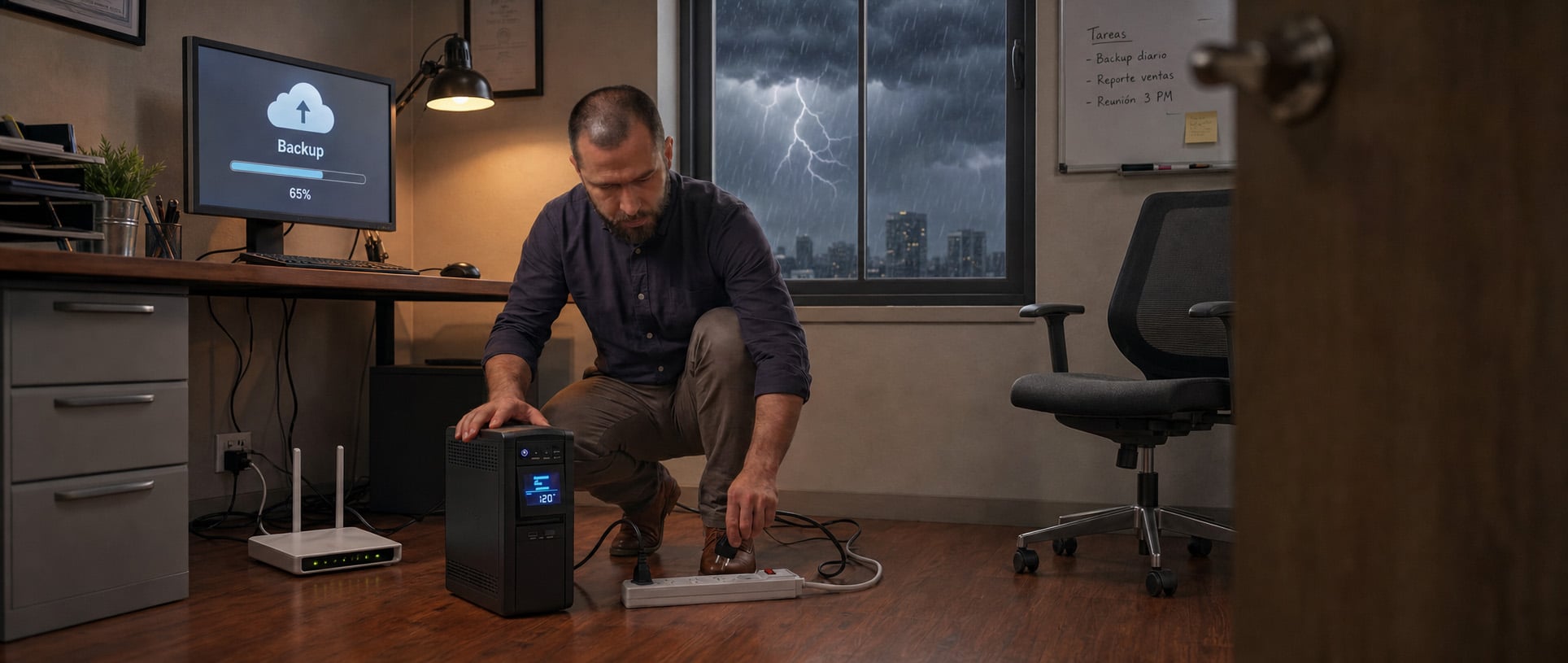
Back up your files regularly and keep them in an off-site location that is easily accessible from any device. Learn about our Business Power Cloud Pack.
Plug into a surge protector
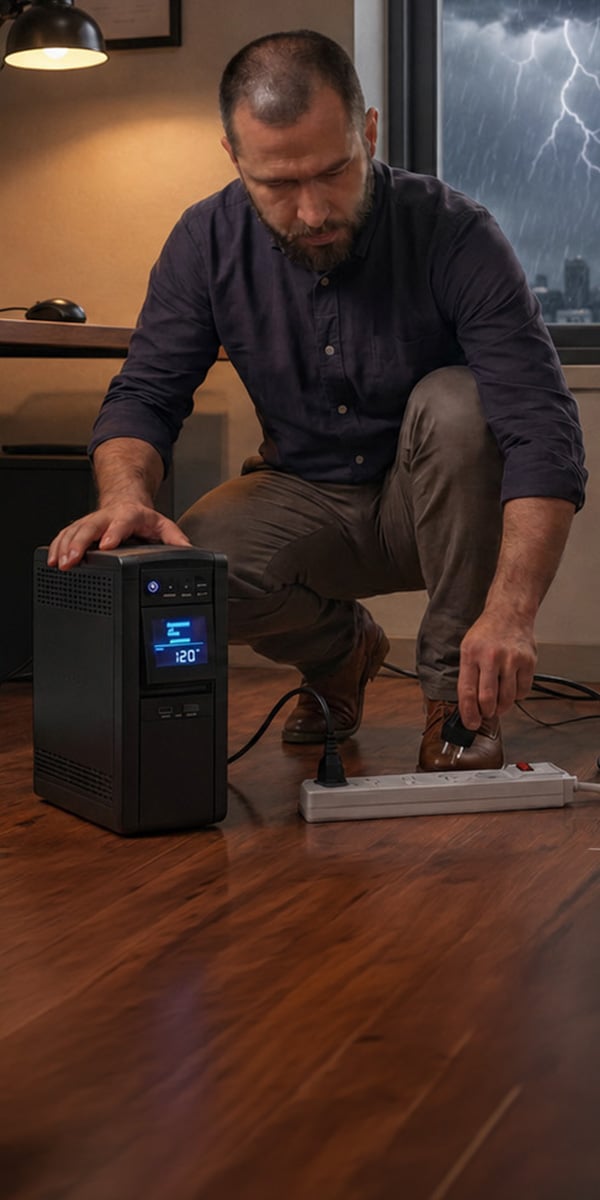
Plug your TV sets, modems, and converter boxes to a surge protector to prevent damages caused by lightning or power outages.

Consider having a backup network
This provides redundancy to ensure the continuity of your operations, even if there is an outage in your fixed internet service, if you have an alternative power source (power generator, for example). Learn about our smart system, Liberty Business ONGoing.
Save the battery charge in your devices
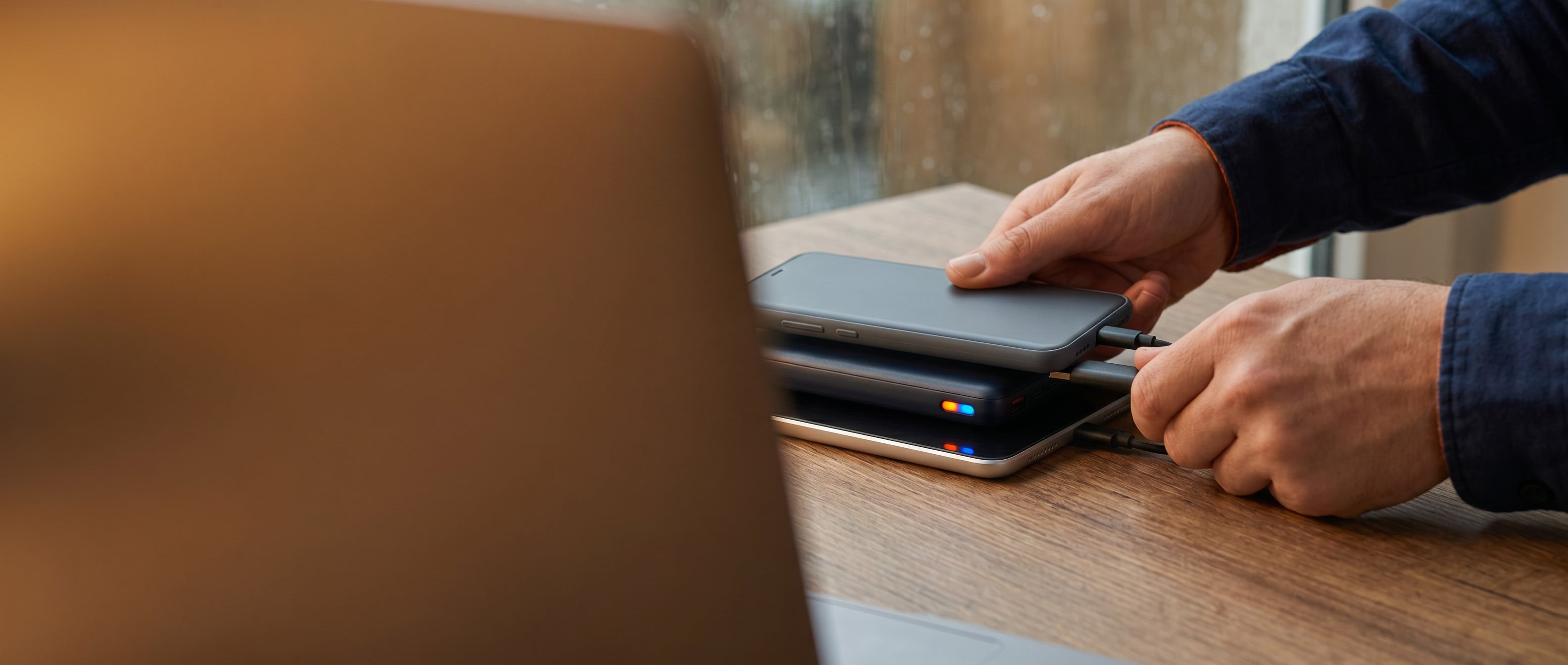
There are many ways you can extend your battery life during a power outage. For smartphones, you can turn on the power-saving mode, turn off bluetooth and Wi-Fi, delete applications, or put the phone in airplane mode. This may prevent you from using certain features, but it will save your battery charge. You should also make sure to have an alternative method to charge these and other devices, such as an external power bank.
FEMA and alert apps on your mobile phone

Download the FEMA application
FEMA's application, available in both English and Spanish, provides disaster management resources and allows you to receive alerts, safety tips, and reminders to help you prepare for the unexpected.
Click here to access the FEMA mobile application
Set up emergency alerts
Set up your mobile phone to receive emergency alerts. These are notifications sent to your mobile phone free of charge, as part of a public safety system. To receive them, go to your phone settings and into notifications. Search for the emergency alerts option and enable it.
If your power was restored but your Liberty Business service is not working, unplug the equipment, wait three minutes, and plug it back in.
If the service still doesn't work, call our Customer Service Department.